CELT News
SPECIAL EDITION: Meet CELT’s Micro-Credential Specialist (CELT Teaching Tip)
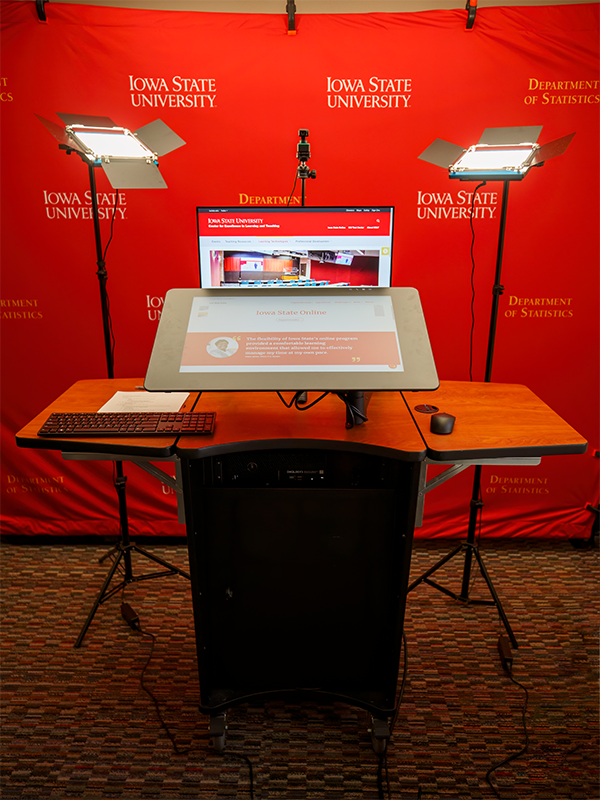
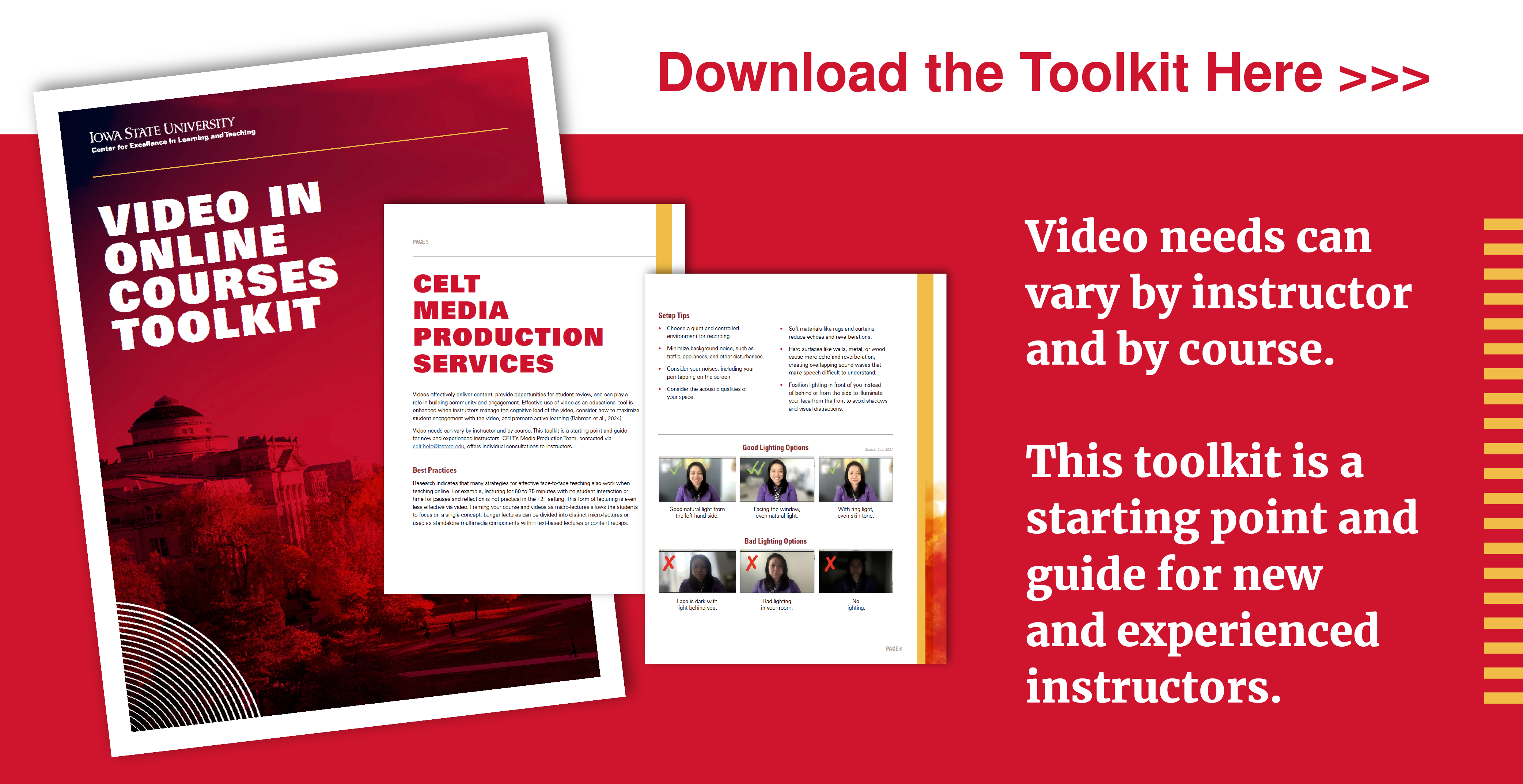
New Mobile Recording Studio & Online Video Toolkit (CELT Teaching Tip)
Improve Your Online Instruction with Quality Videos
New ISU Course Template Available (CELT Teaching Tip)
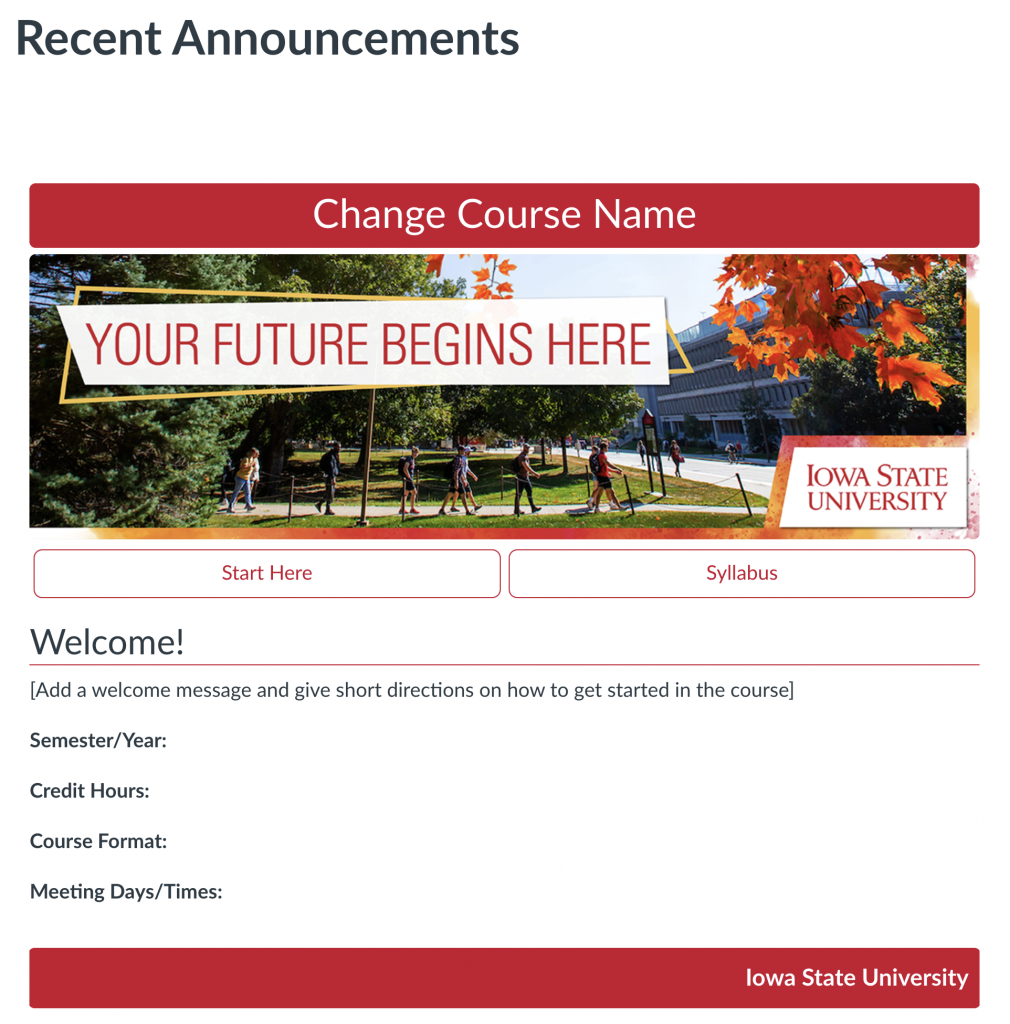
Improve Your Students’ Canvas Experience: The New ISU Course Template is Now Available
Midterm Grade Submission (CELT Teaching Tip)
Weaving Art into STEM (CELT Teaching Tip)
AI in Teaching Series

Weaving Art into STEM: CELT Workshop Highlights Visual Literacy
By Kelly McGowan, Center for Excellence in Learning and Teaching
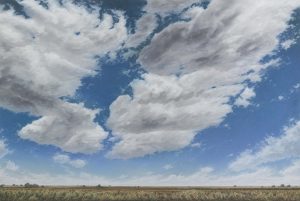
Meteorology students may not expect to spend a class session in an art museum — or that the rolling clouds in a painting would spark a rich discussion about their field of study — but that’s just what happened at Iowa State thanks to some creative thinking and collaboration by a professor and staff in University Museums.
Dr. Bill Gallus, professor of Geological and Atmospheric Sciences and newly appointed University Museums CELT Faculty Affiliate, has worked with the museums in various ways over nearly two decades. The faculty affiliate role, started in August 2023, aims to integrate visual literacy and learning with the use of University Museums works of art in curriculum.
The class visit to the Brunnier Art Museum for a 2015 Ellen Wagener exhibit is just one example of how Gallus and University Museums Curator Adrienne Gennett hope instructors across campus can weave art into their courses.
“What makes art, I think, so useful in the classroom,” Gallus said, “is it just opens up so many questions where you can really test how well the students have understood what they learned in your STEM course.”
Wagener’s vast natural land and skyscapes were the perfect canvas for Gallus to pose questions about what was happening meteorologically in the art. What did it mean that the clouds did not have a smooth base? Could students guess what time of year was depicted? What things might the students question?
Art experiences promote critical thinking
In deepening his involvement with the museums, Gallus learned about the visual literacy framework of data collection, interpretation, and evaluation. It struck him how closely those three steps mirrored “exactly how we conduct science.”
That parallel allows for a meaningful connection between art-based activities and classes like his.
Bringing an art experience into a STEM course can challenge students to think more broadly and critically, Gennett said, and help them understand that different interpretations and answers are valid. It can also help expand ways of thinking and encourage students to consider problems from a different angle.
It’s valuable to give students a moment to consider multiple ways of thinking, she said, “to not necessarily have the correct answer, but to also understand it takes a lot of evaluation before you can come to an answer.”
Gallus and Gennett said these lessons apply both in coursework and in life.
University Museums are ready to help
Many students come to Iowa State having never visited an art museum before, Gennett said. This type of art integration can make an impression that lasts a lifetime.
With 30,000 works of art in the permanent collection and Art on Campus Collection, she said there is bound to be a good fit for any field of study — and her team is ready to help faculty enhance their courses with art.
“We work really hard to make it as easy as possible,” she said. That can include pulling art out of storage, bringing a work of art to a teaching space, providing tours, discussing art with students, and even helping faculty to create a lesson around works of art.
Faculty can explore the online museum database for inspiration. Collections in the database group art together for their possible application to the life sciences or physical sciences, for example.
“We can take a work of art and use it throughout the university,” she said, “in different courses, in different fields of study — and we can teach the valuable basic skills of visual literacy and communication.”